Test the interface
Open the app, review the layout, and see how the vault sections are organized.
Free demo edition
The Demo edition lets you test Secure Password Vault on Windows before choosing Standard or Pro. It is built for evaluation, first-time testing, and checking whether the local vault workflow fits your needs.
Purpose
The Demo edition is for testing the app interface, understanding the vault layout, and deciding whether Standard or Pro is the right edition for you.
What you can test
Use the Demo to see how Secure Password Vault is organized before buying a paid edition.
Open the app, review the layout, and see how the vault sections are organized.
See how the app is designed around local Windows desktop usage instead of a cloud account.
Use the Demo as a first step before choosing Standard or Pro.
Secure Password Vault is designed for users who prefer local control over vault data.
Preview how passwords, notes, records, and vault areas are presented in the app.
Standard is for everyday offline storage. Pro is for advanced tools such as imports, 2FA backup codes, multi-user support, and transfer workflows.
Demo preview
The Demo is designed to help you understand the app before purchase.
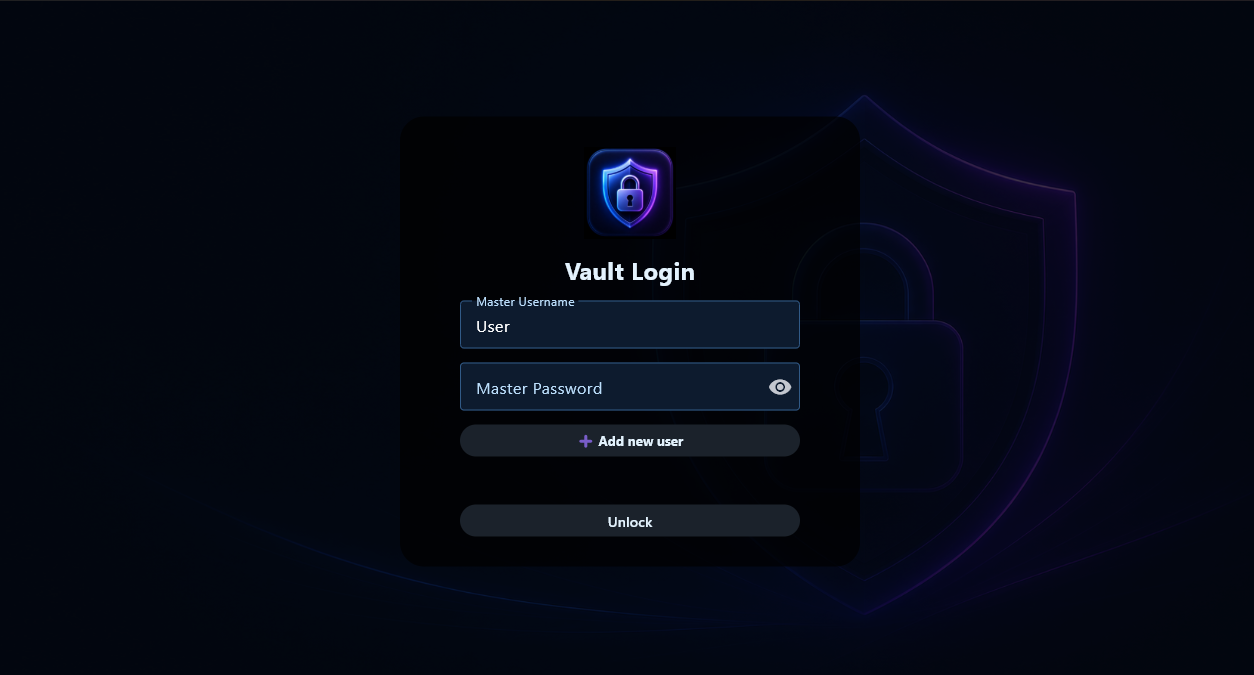
Review the local vault login experience and master password workflow.
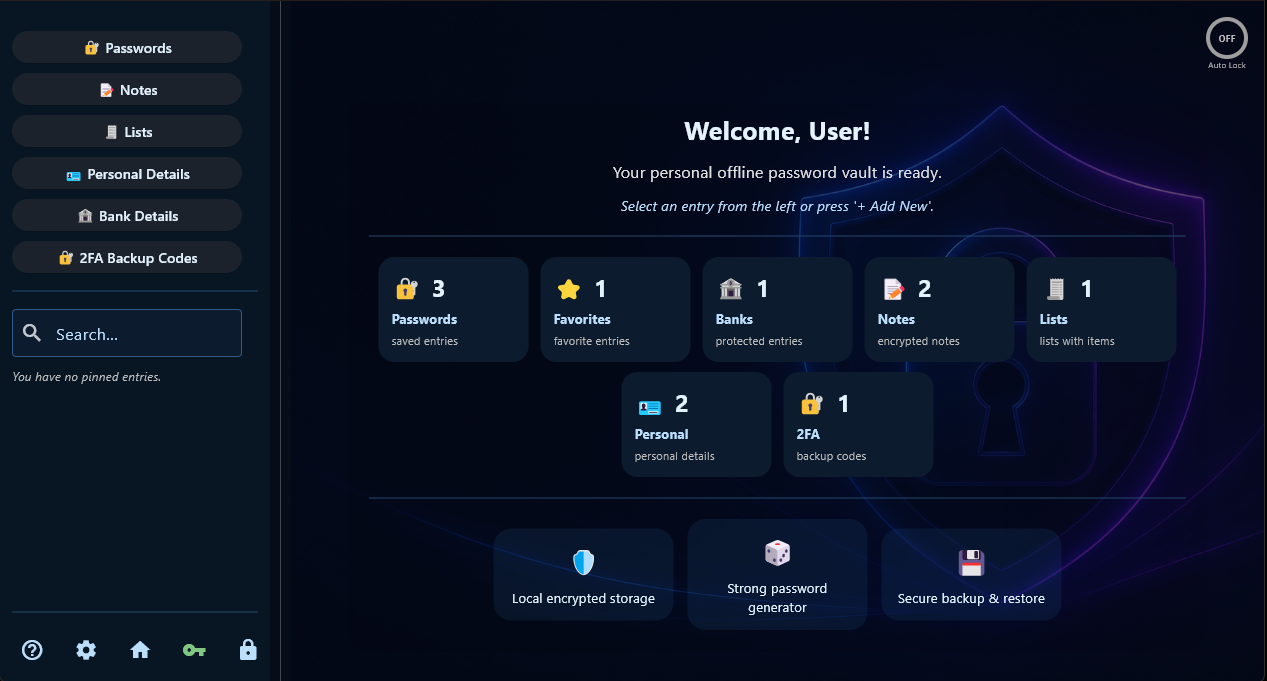
See the main vault dashboard and how different record sections are presented.

Preview how sensitive notes and private text records are organized.
Upgrade path
After trying the Demo, choose the paid edition that fits your workflow.
Everyday offline password storage with local encrypted vault control, secure notes, personal records, bank details, password generator, and backups.
View Standard →Adds 2FA backup codes, multi-user support, browser CSV import, encrypted backups, emergency export, device transfer, and mobile pairing tools for future workflows.
View Pro →View Demo, Standard, and Pro side by side with prices and feature differences.
Compare Editions →Start here
Try Secure Password Vault first, then upgrade to Standard or Pro if it fits your needs.
Terms and transparency
PracticalForge Software is an independent software project. The Demo exists so users can evaluate the app before buying. Future updates, new products, companion apps, mobile versions, or unreleased features are not guaranteed unless clearly stated.