Local encrypted vault
Store your vault data locally on your own Windows computer.
Standard edition
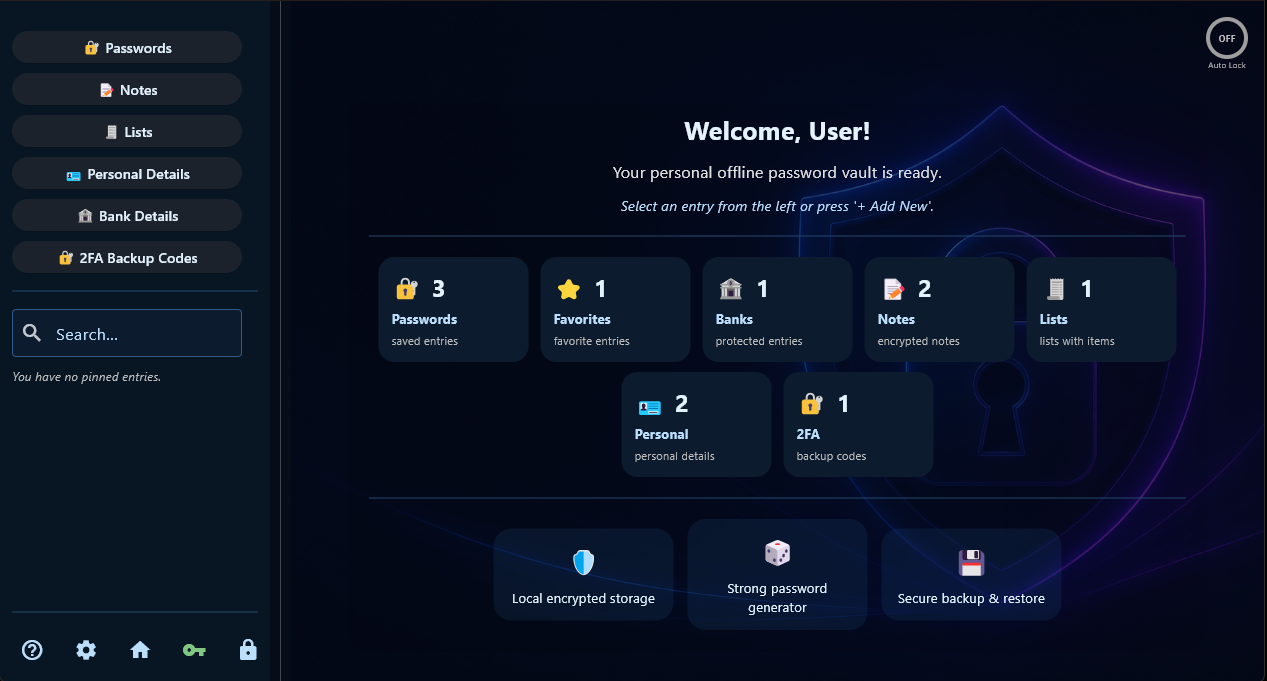
Secure Password Vault Standard is designed for users who want a simple, offline-first Windows vault for passwords, secure notes, personal records, bank details, lists, password generation, and local backups.
Price
Standard is the everyday paid edition of Secure Password Vault. It is built for local encrypted password and private record storage without a monthly subscription.
Included in Standard
Standard includes the main offline vault workflow for users who want local control over passwords and private records.
Store your vault data locally on your own Windows computer.
Save website, app, and account login details in an organized local vault.
Organize important entries with favorites and categories for faster access.
Store private notes, recovery information, and sensitive text records.
Keep personal information and private reference details inside the vault.
Store bank-related records locally, including notes and supporting details.
Save private lists and structured text information in the same local vault.
Generate strong passwords for new accounts and saved entries.
Create local backups and restore your vault data when needed.
Use the app in English, Greek, German, French, Italian, or Spanish.
Use the vault locally. Internet access is used only for license activation and verification.
Standard is sold as a one-time purchase, not as a monthly subscription.
Standard workflow
Standard is best for users who mainly need everyday offline password and private record storage.
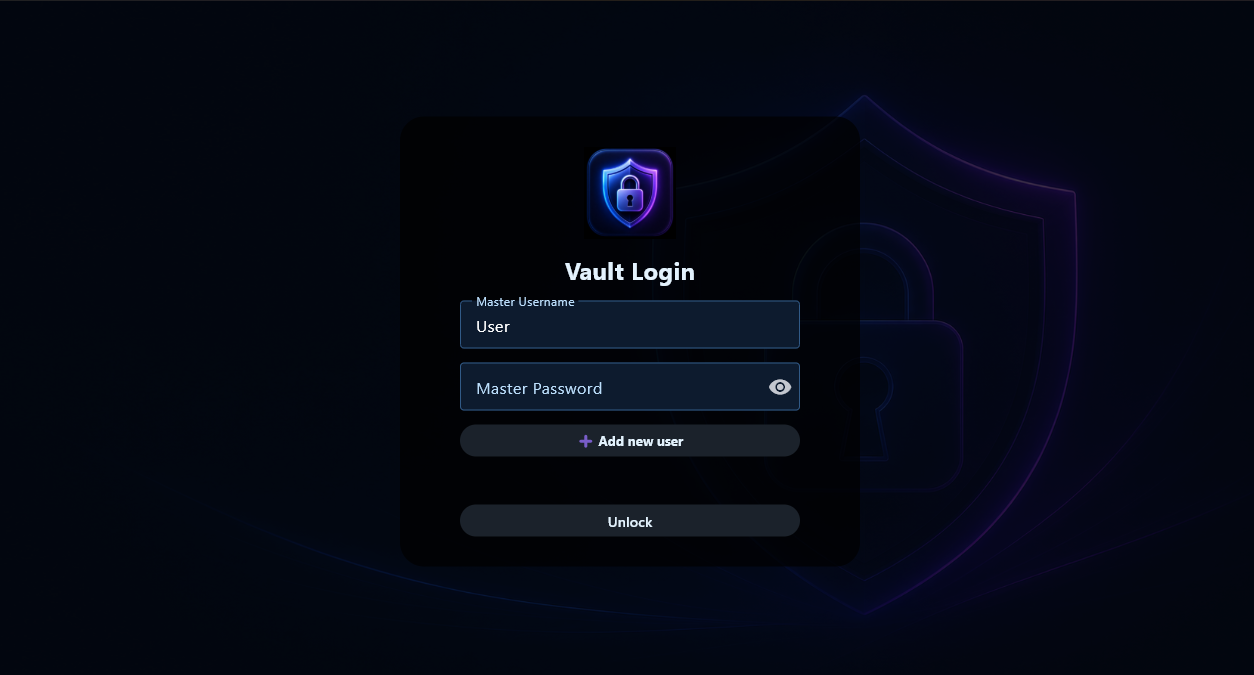
Open your local vault with your master username and master password.

Keep private notes and sensitive text records inside your local vault.
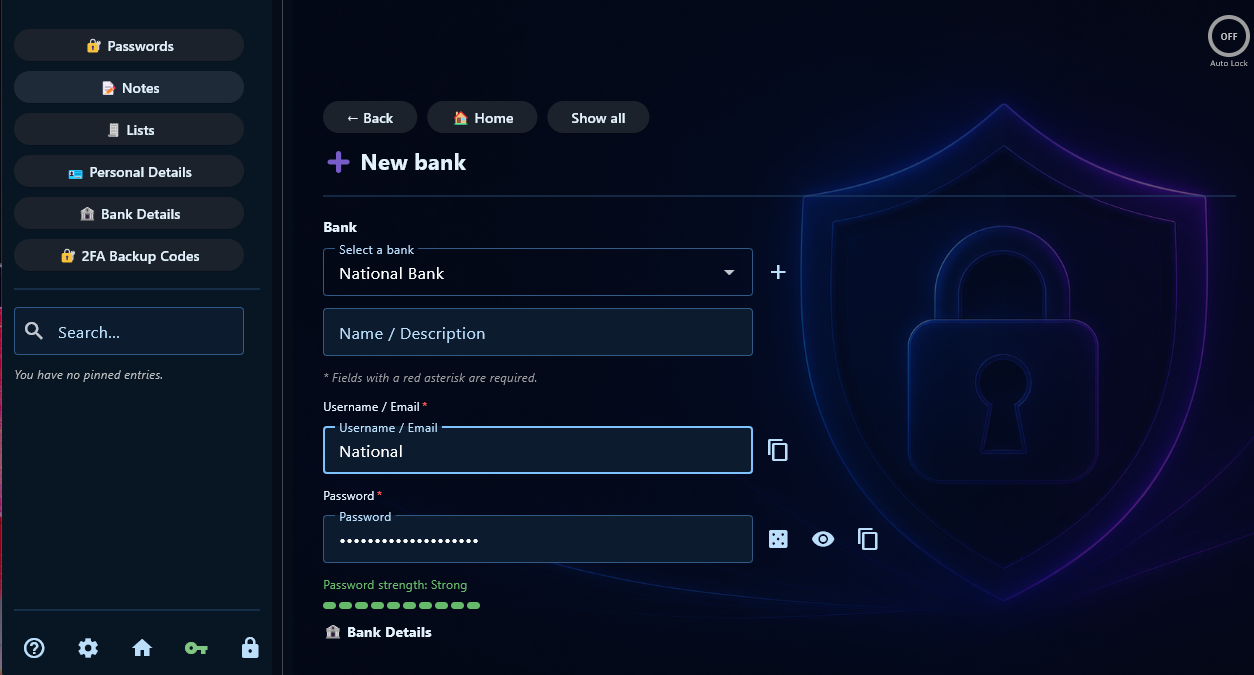
Save bank-related information and notes locally on your own Windows computer.
Not included in Standard
Standard does not include Pro-only features such as 2FA backup codes, browser CSV import, multi-user support, encrypted backups, emergency export, device transfer / merge tools, or QR / mobile pairing tools.
Choose Pro instead if you need those advanced workflows.
Standard vs Pro
Standard covers everyday local vault storage. Pro adds advanced migration, backup, export, multi-user, 2FA, and transfer workflows.
Passwords, secure notes, personal records, bank details, lists, generator, local backups, and six languages.
Buy Standard →Adds 2FA backup codes, browser CSV import, multi-user support, encrypted backups, emergency export, transfer tools, and mobile pairing tools for future workflows.
View Pro →Try the app first and check whether the local vault workflow fits your needs.
Download Demo →License activation
Standard is offline-first. Your vault data stays on your Windows computer. Internet access is used only to activate and verify your paid license.
Terms and transparency
PracticalForge Software is an independent software project. Standard includes the features described for Standard at the time of purchase. Future updates, new products, companion apps, mobile versions, or unreleased features are not guaranteed unless clearly stated.
Buy Standard
Choose Standard for everyday offline password and private record storage.