Demo Edition
Try Secure Password Vault before buying. Built for first-time testing and basic evaluation.
View Demo →Secure Password Vault
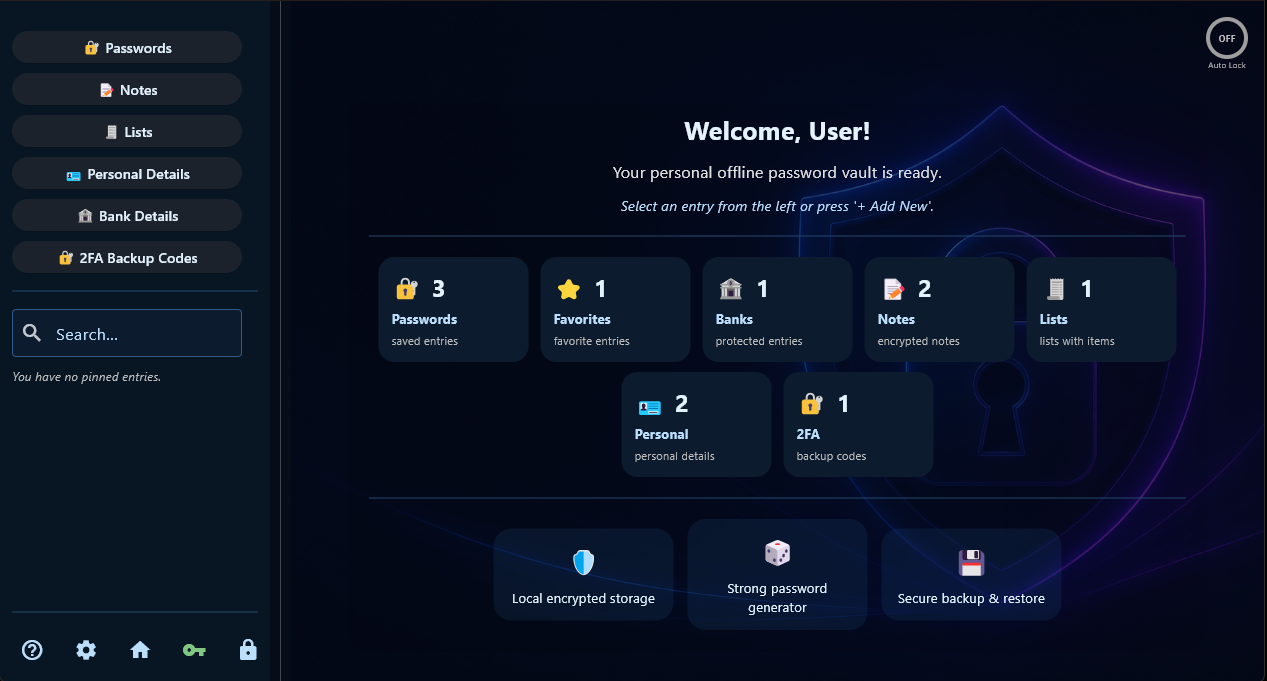
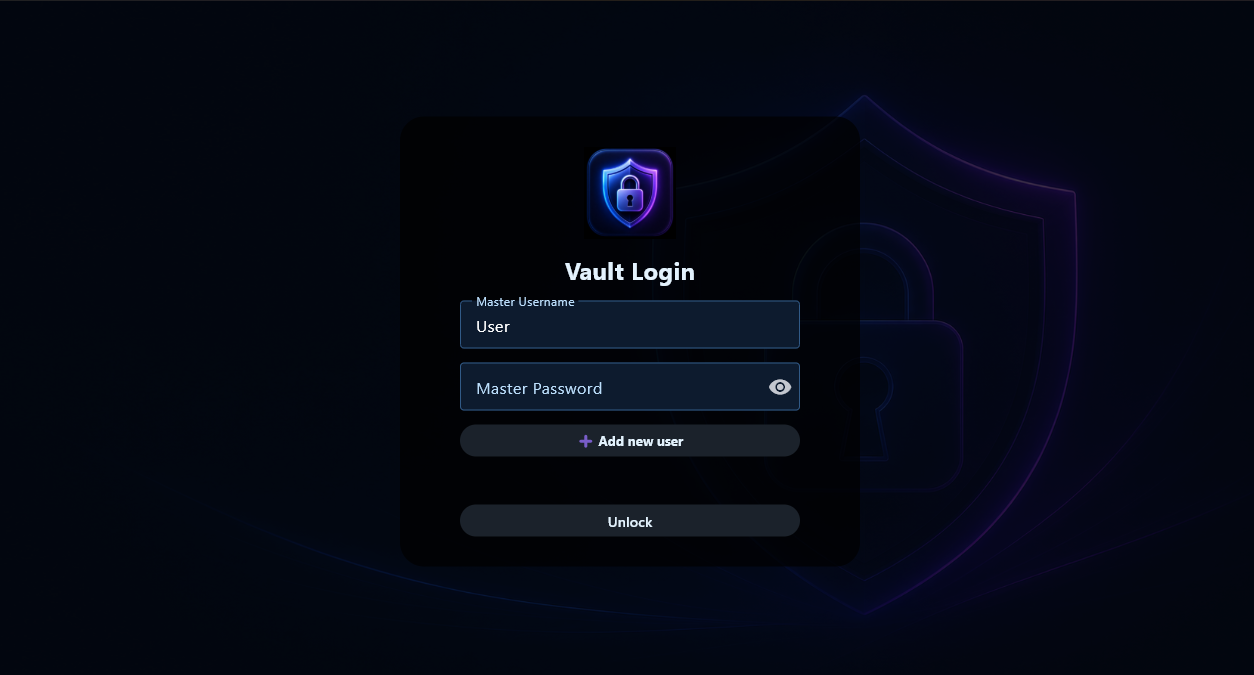
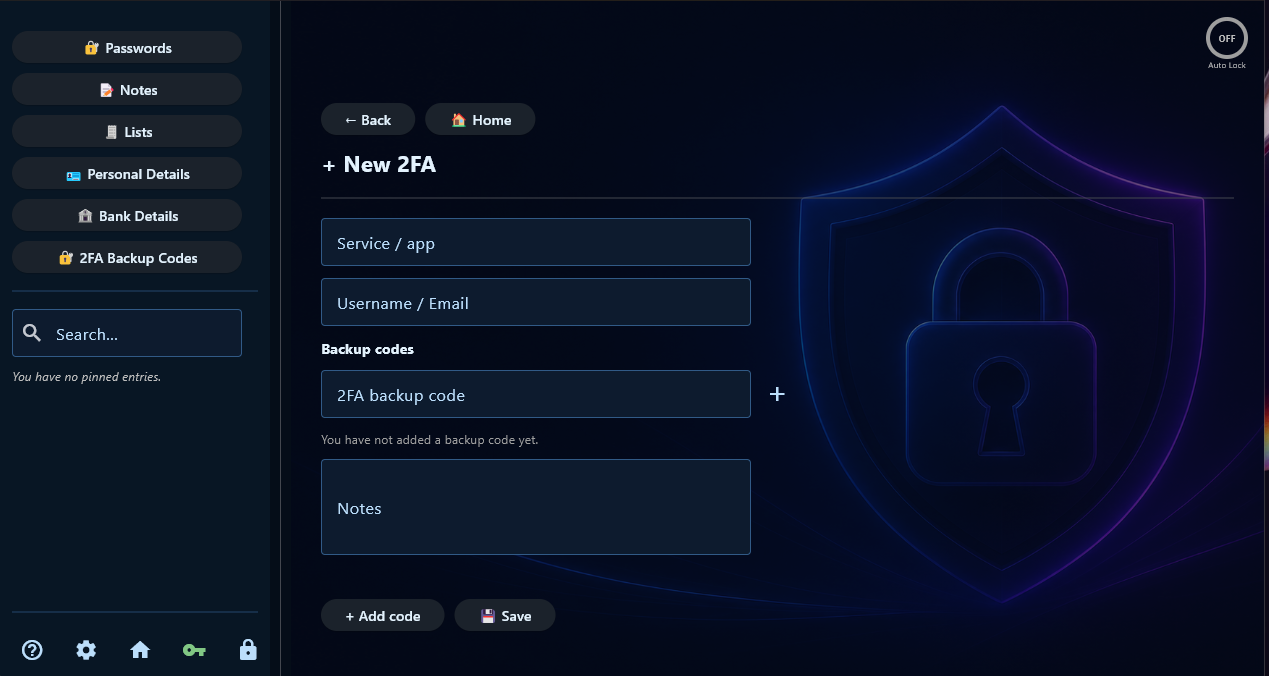
Secure Password Vault helps you store passwords, secure notes, bank details, personal records, lists, and 2FA backup codes in an encrypted local vault on your own Windows computer.
No cloud account is required. Internet is used only for license activation in the paid editions.
Editions
Start with the free Demo, use Standard for everyday offline storage, or choose Pro for advanced tools and multi-user workflows.
Try Secure Password Vault before buying. Built for first-time testing and basic evaluation.
View Demo →Everyday offline password storage with local encrypted vault control, secure notes, personal records, bank details, and backups.
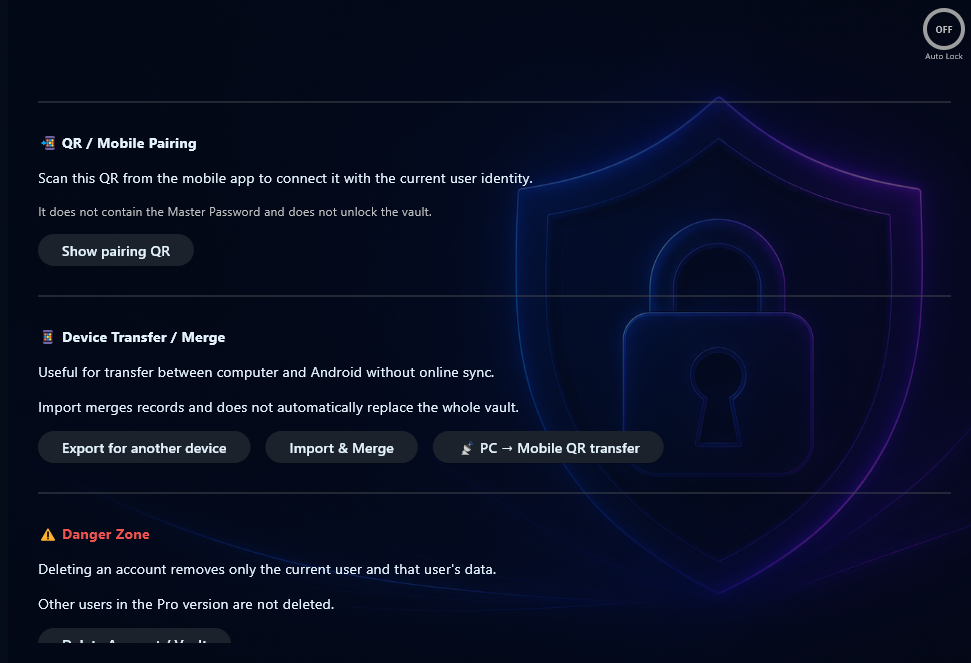
View Standard →Advanced tools including multi-user support, browser CSV import, encrypted backups, emergency export, and device transfer features.
View Pro →Main capabilities
Secure Password Vault is designed to organize sensitive everyday records without forcing your private vault data into a cloud account.
Store password entries, organize them by category, and mark important records as favorites.
Keep private notes, recovery details, lists, and sensitive text records inside the same local vault.
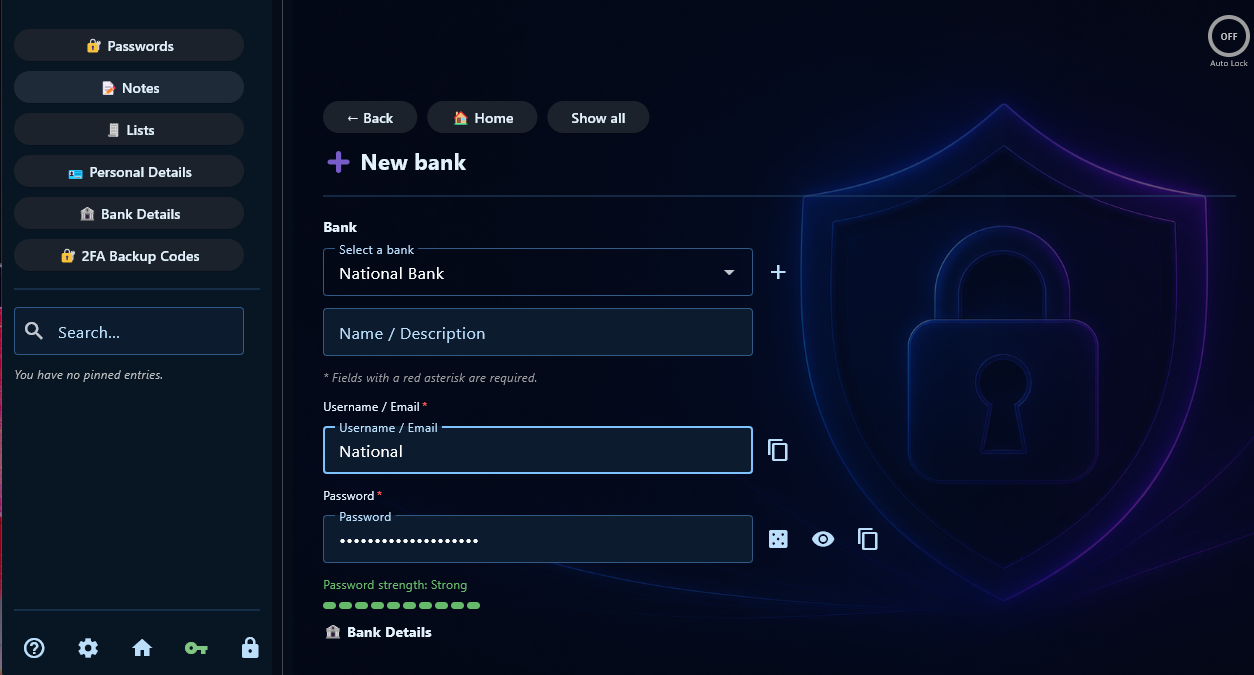
Store bank details, identity records, personal information, and other protected data locally.
Keep two-factor backup codes organized and protected in your encrypted vault.
Create local backups and restore your vault data when needed.
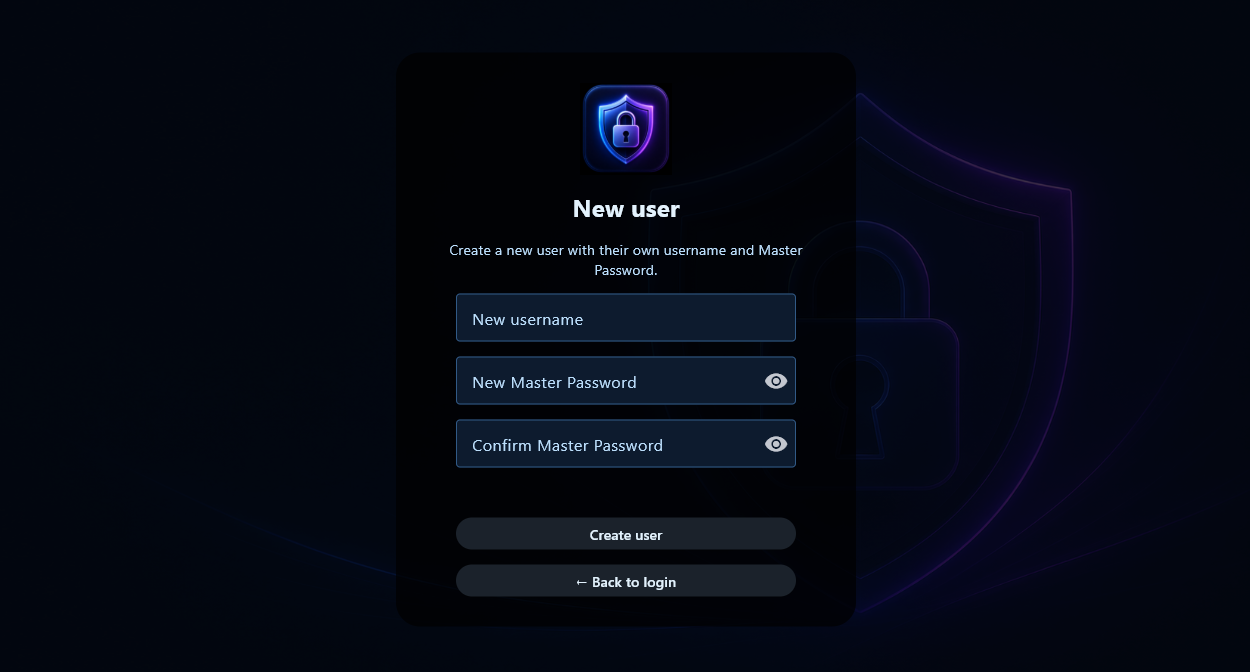
Pro adds multi-user support, browser CSV import, emergency export, user identity tools, and device transfer features.
Privacy model
Your saved vault data stays on your Windows computer. The paid editions use internet access only for license activation and verification.